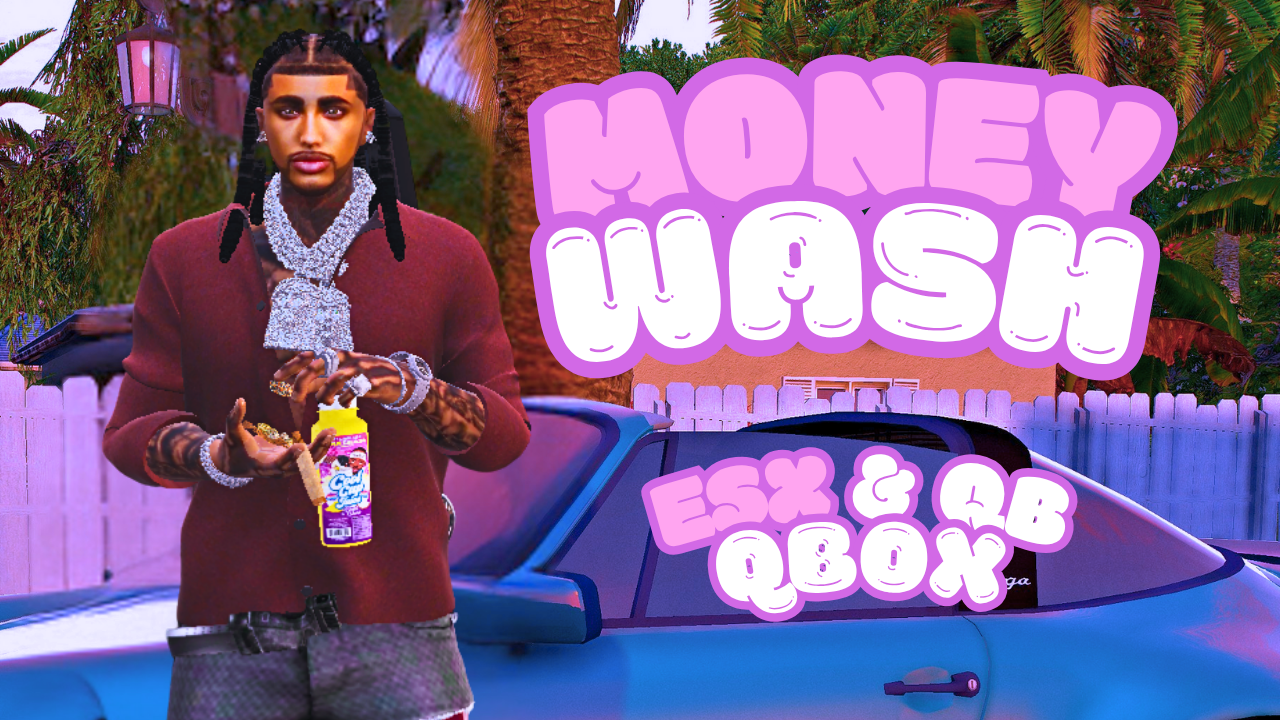
Turn the city into an evolving laundering network. 20 hand-placed businesses, each with a working NPC, progression, throughput caps, ownership, revenue sharing, and clean, modern UX. Fully supports ESX, QB-Core, and Qbox with ox_target / qb-target.
Players don’t stand at a single “wash point” and spam. They travel, choose vendors, level them up, purchase locations, manage caps, and hunt for the best rates—creating natural economy flow and organic hotspots.
20 Money Wash businesses out of the box (add unlimited in config.lua)
NPC vendors (phone/smoking/idle scenarios) with unique starting stats
Progression system (per location): as more money is washed, the location levels up
→ raises Min Entry, Max per Transaction, and Throughput Cap
Ownership: buy a business for minEntry × 10,000; owners can withdraw 20% of accrued revenue (resets after withdrawal)
Washer fee: configurable (default 20%) taken from the player washing
Caps: dynamic caps force players to try multiple locations and spread activity
Grouped blips: one clean name — “Money Wash” — with GTA’s selector 〈 i/n 〉, or switch to “indexed” labels like Money Wash <3/20>
Target actions: Wash Money, Purchase Business, Withdraw Owner Cut, View Business Info
Dynamic stats panel on target (ox_lib context): Name, Level, Min Entry, Max/Tx, Cap, Used, Revenue, Purchase Price
Framework bridge: ESX / QB-Core / Qbox auto-detect
Persistence: JSON out of the box; swap to SQL easily
Find a Money Wash blip → interact with the NPC.
View stats (level, caps, fees, purchase price).
Wash within the allowed range; pay the fee; location gains XP and evolves.
Buy profitable locations; withdraw owner cut (20%) when ready (resets revenue).
Rotate locations as caps tighten—keep the money moving.
One of: ESX, QB-Core, Qbox (qbx-core)
Targeting: ox_target or qb-target
ox_lib (for best UI; falls back to qb-input or on-screen keyboard if missing)
Frameworks: ESX / QB-Core / Qbox ✅
Targets: ox_target / qb-target ✅
Notifications/UI: ox_lib (preferred) ✅ · qb-input fallback ✅
Drag the resource folder into your server’s resources/ as bigape_moneywash.
Ensure ox_lib and your target resource start before this script.
Add to your server config:
ensure ox_lib ensure ox_target # or qb-target ensure bigape_moneywash Configure locations, models, fees, and ranges in config.lua.
Blips
Config.Blips = { enabled = true, sprite = 500, color = 2, scale = 0.8, shortRange = true } -- 'grouped' = clean "Money Wash" + GTA selector 〈 i/n 〉, 'indexed' = "Money Wash <i/n>" Config.BlipsStyle = 'grouped' Economy
Config.WashFee = 0.20 -- 20% fee to washer Config.MinEntryFloor = 2000 -- never below this Config.PurchaseMultiplier = 10000 -- purchase = minEntry × multiplier Progression & Caps (edit thresholds and per-level deltas)
Locations & NPC models — add/remove freely
Lightweight tick usage (peds are static and frozen)
Server state synced only on changes (purchase, wash, withdraw, level-up)
All validation server-side: min/max per-tx, caps, balance checks
Owner withdrawals gated by identifier match; revenue resets after withdrawal